
1. Add the book and deadline
Enter its title, total pages, start date, and target finish date.
Use a simple daily reading log to compare your planned pace with your actual pages. Built for readers, students, and exam prep.
Page Tracker: Reading & Study
Reading progress at a glance
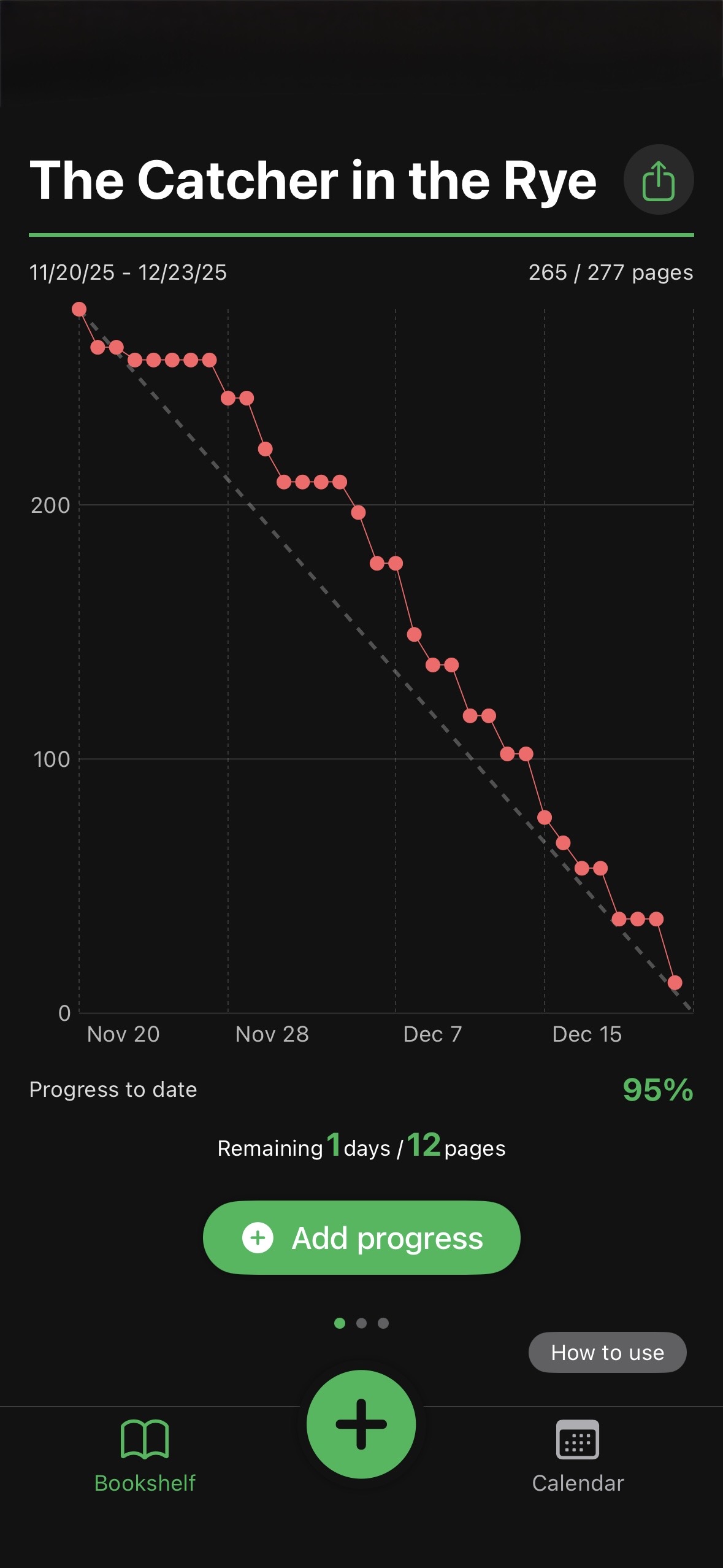
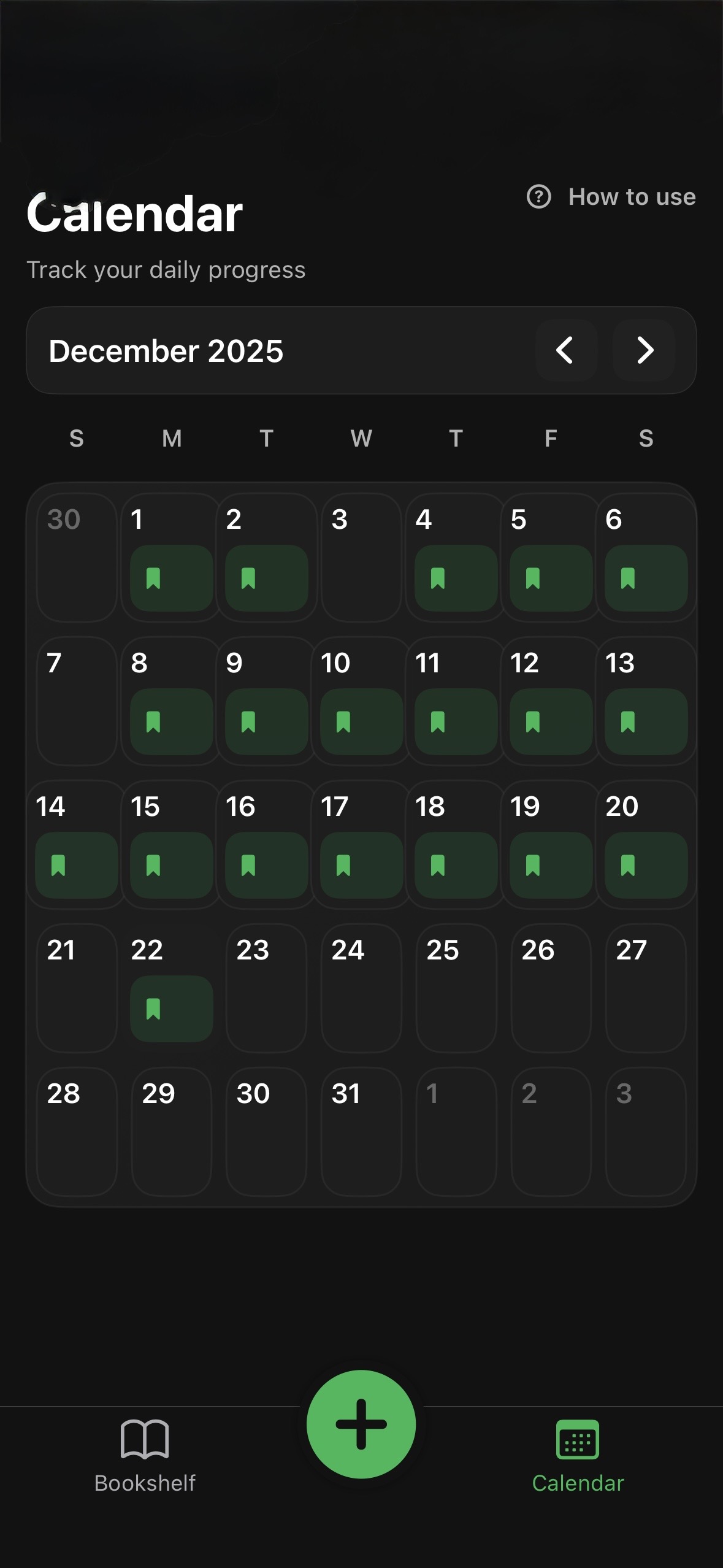
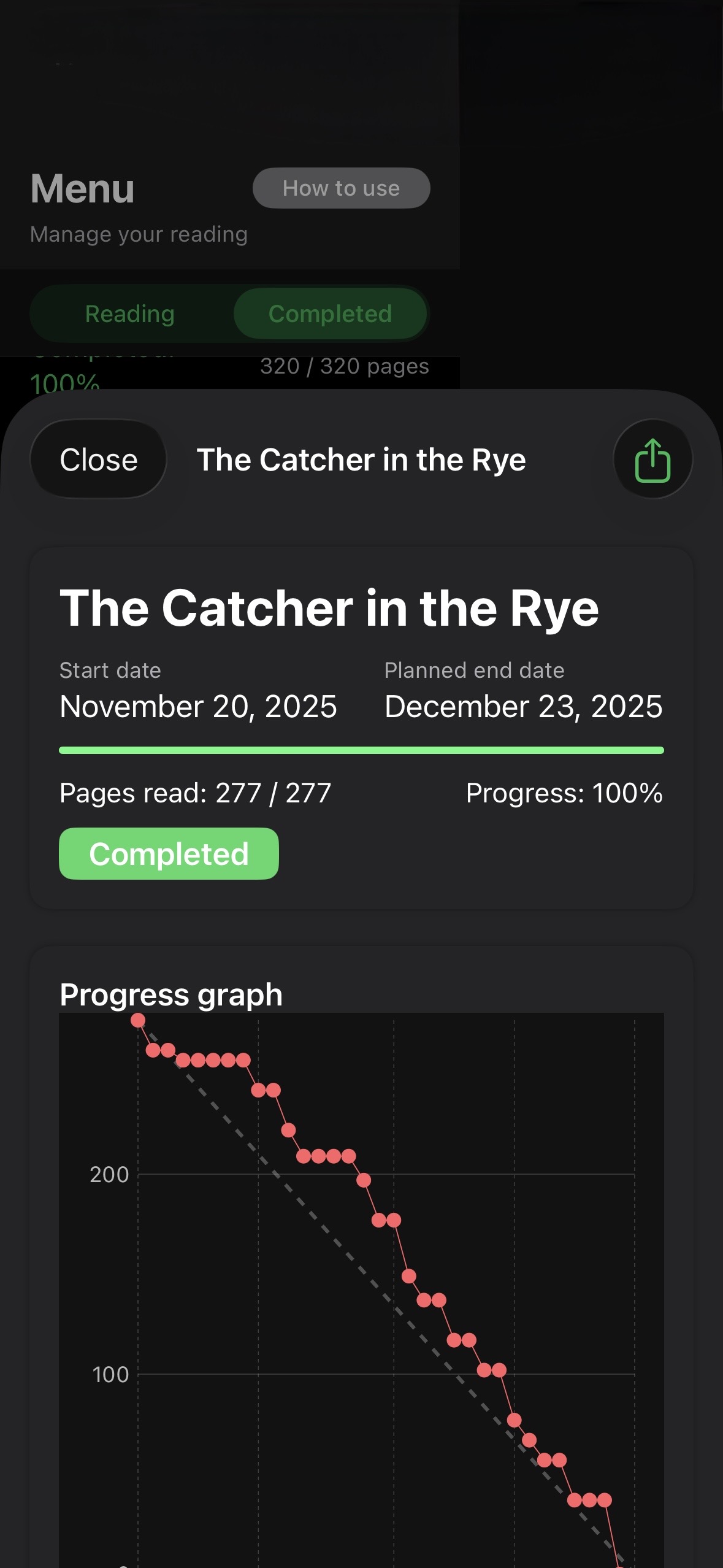
Add a book or study text, then track your current page, target finish date, and planned-versus-actual pace in one place.
Enter its title, total pages, start date, and target finish date.
Log the page you reach after reading. The app records the pages completed that day.
Use the chart and calendar to spot a delay and adjust the remaining pace.
Set the title, total pages, start date, and target finish date once. Then update the current page after reading to see progress in the chart, calendar, and widgets; reminders can prompt your next update.
Clear answers about the app's fit, setup, and everyday use.
Page Tracker is built for reading pace control: one page-input flow and an immediate planned-vs-actual graph.
Yes. Set total pages and a deadline, then track the remaining days, remaining pages, and the gap between planned and actual progress.
After setup, the recurring input is the current page. The calendar and widgets show recorded progress. Reminders can prompt the next update.
See pace risk early and recover before your deadline.
Make consistency visible and keep a reliable reading log.
Widgets show recorded progress; reminders can prompt your next update.
See the planned-versus-actual chart, reading calendar, and completion status in the app.
Print a free reading log, calculate a realistic pace per reading day, and learn how to compare planned and actual progress.
Calculate the pages to read on each planned reading day from a book's total pages, your current page, deadline, and reading days per week.
Print a free book reading log with space for the date, title, pages reached before and after, pages read, and a short note. Includes an example and 10 blank rows.
Compare your planned page with the page you actually reached, then recalculate a realistic pace before the finish date slips.
Install the app, add your first book, and start with today's reading.